Keyboard Shortcuts
If you have paired a Bluetooth keyboard with your iOS device, you can use the following keyboard shortcuts with OmniGraffle 2 for iOS. These are similar to the keyboard shortcuts you’ll find in OmniGraffle for Mac, so you should feel right at home.
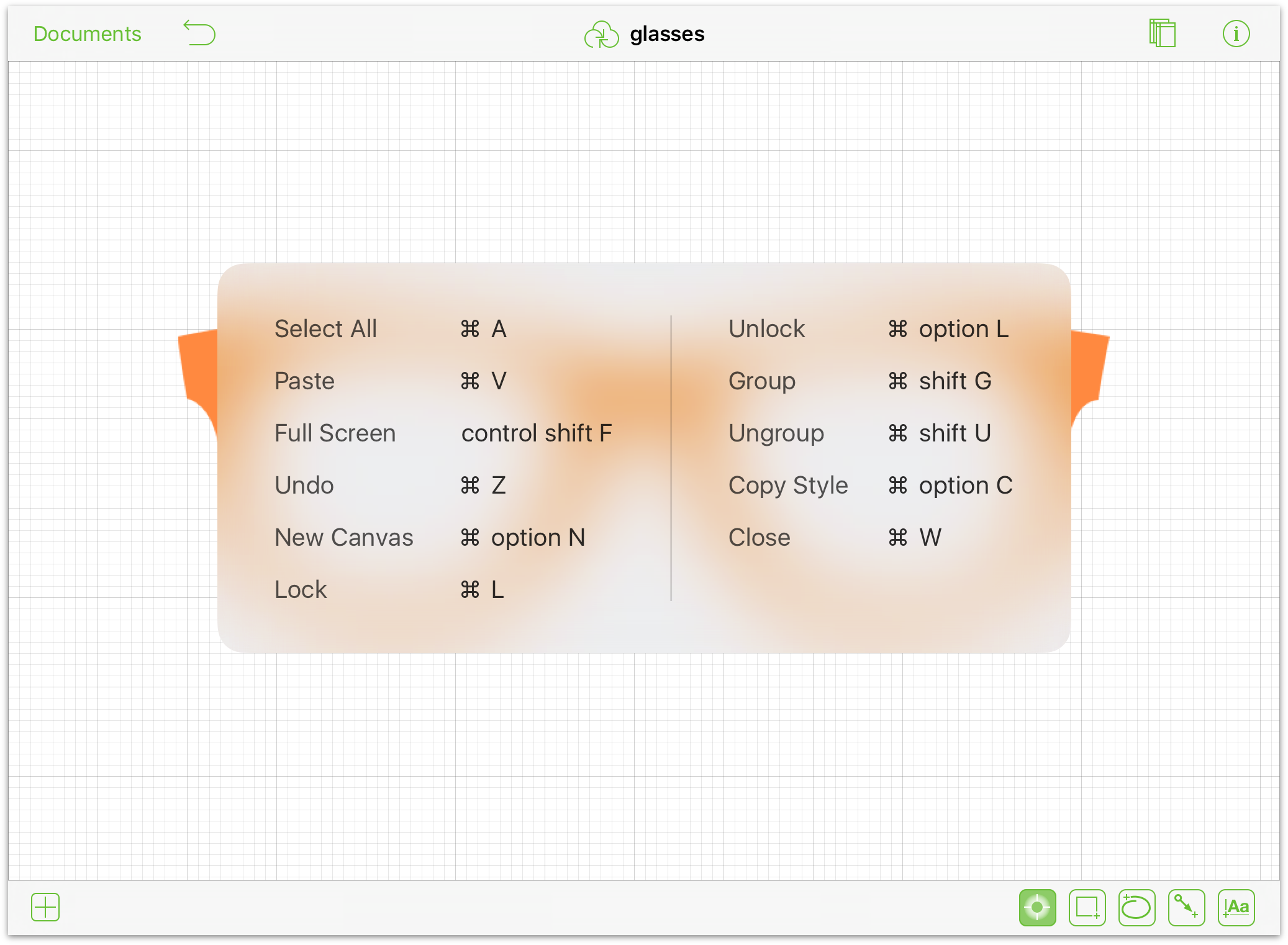
As an added bonus for iOS 9 users, you don’t have to worry about trying to memorize the keyboard shortcuts, because OmniGraffle presents them to you whenever you hold down the Command (⌘) key on your Bluetooth keyboard. The basic list of keyboard shortcuts is shown when you don’t have anything selected on the canvas:
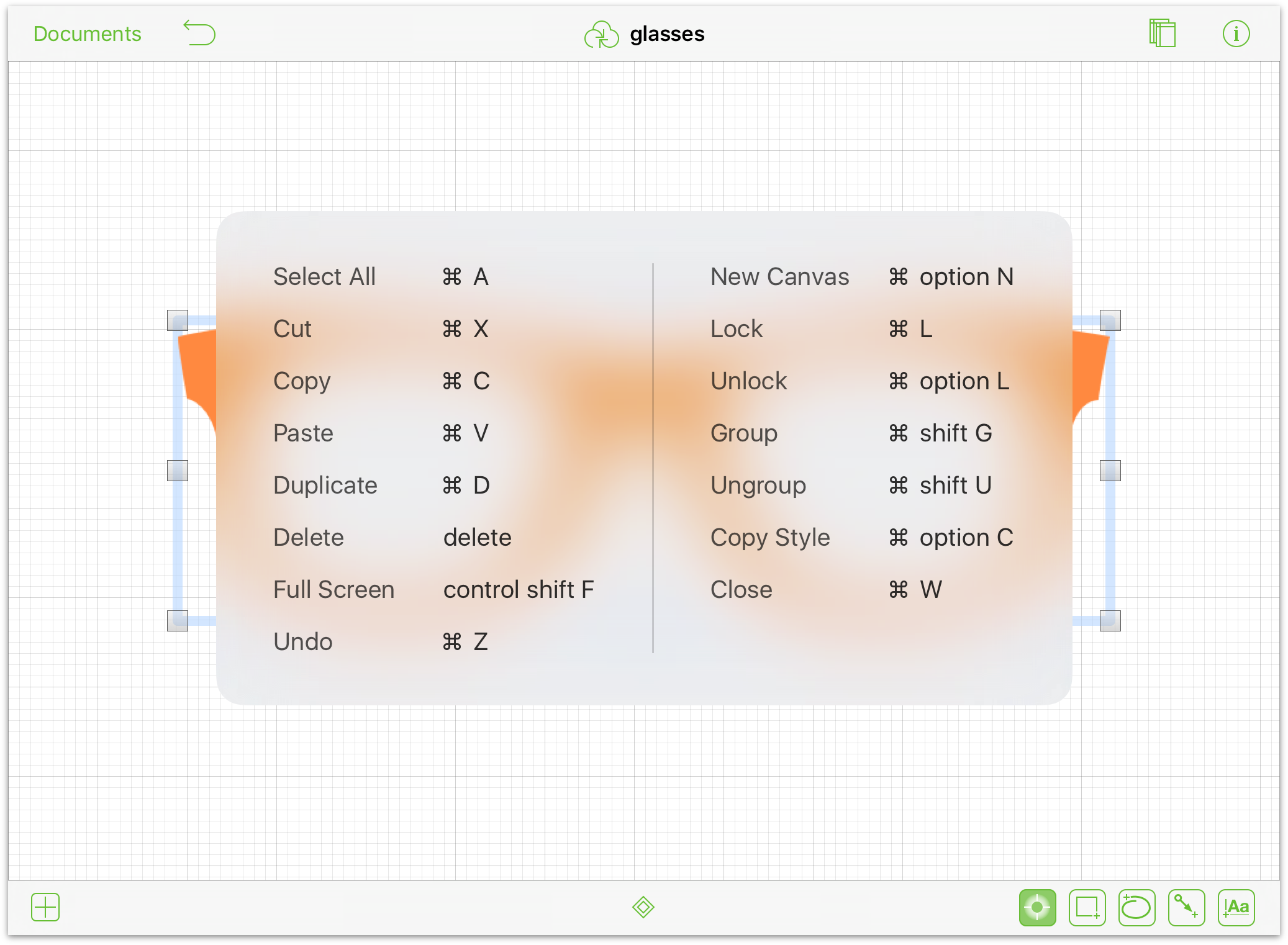
And if you do have something selected on the canvas, the shortcut overlay offers a few extra keyboard shortcuts that you can use.
| Command | Keyboard Shortcut |
| Cut | Command-X |
| Copy | Command-C |
| Duplicate | Command-D |
| Paste | Command-V |
| Copy Style | Option-Command-C |
| Paste Style | Option-Command-V |
| Group | Shift-Command-G |
| Ungroup | Shift-Command-U |
| Select all | Command-A |
| Undo | Command-Z |
| Redo | Shift-Command-Z |
| Delete (selected object) | Delete |
| New Canvas | Option-Command-N |
| Previous Canvas | Command-↑ |
| Next Canvas | Command-↓ |
| Close Current Document | Command-W |
| Select All | Command-A |
| Lock | Command-L |
| Unlock | Option-Command-L |
| Bring to Front | Shift-Command-F |
| Bring Forward | Option-Command-F |
| Send to Back | Shift-Command-B |
| Send Backward | Option-Command-B |
| Enter/Exit Full Screen | Control-Shift-F |
| The following keyboard shortcut only works when viewing the contents of a folder in the Document Browser. | |
| New Document | Command-N |